The Editor
Where you design. Bring sanitized sample data, arrange the cards and charts, and change them whenever you need to.
A month is included with your template, then sold by the month, only when you need to change it.

A csv.design template is a single HTML file that holds your dashboard layout. Open it, load a CSV with the same columns, and the dashboard fills in.
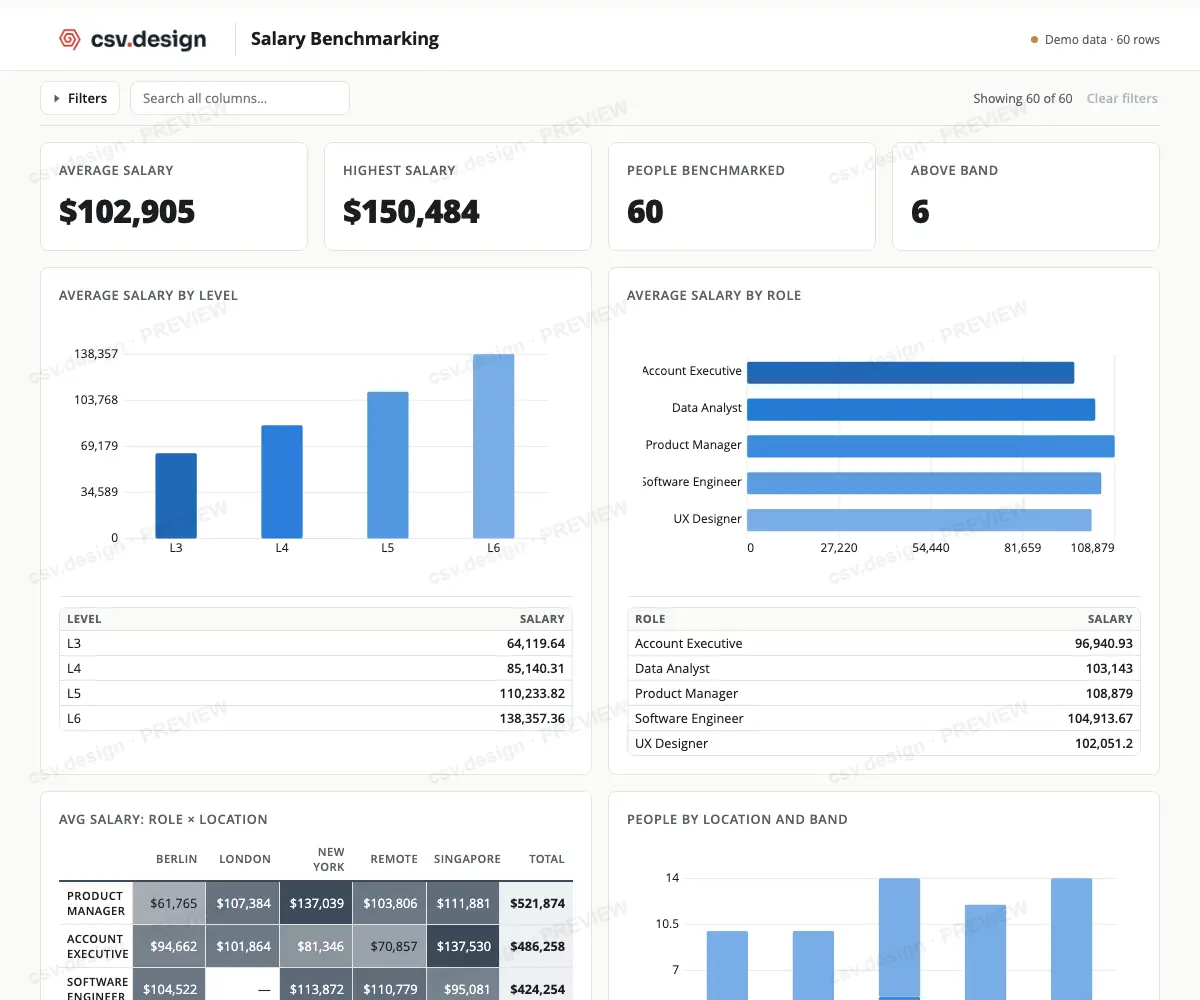
Everything needed to turn each matching CSV into a dashboard travels in the one file. Watch what happens when you load one.
The file has a loader for the next CSV with the same columns, and lists the columns it expects.
The cards, charts, labels, colors and records you chose, now showing the new data.
Search and filter any column to get to the part that matters.
Save a filtered view or the complete dashboard as PDF or image from the browser.
You design online, then run it on your own computer.
Where you design. Bring sanitized sample data, arrange the cards and charts, and change them whenever you need to.
A month is included with your template, then sold by the month, only when you need to change it.
What you keep. One HTML file. Load each new CSV into it, month after month.
It keeps working without the Editor.
It is simply a file, like a PDF or spreadsheet. Open it in your browser, load a CSV, and it creates your dashboard.
| What can you do? | A PDF | Your template |
|---|---|---|
| Load new data | No | Yes |
| Filter any column | No | Yes |
| Reuse it next month | No | Yes |